Document note only. Field Ledger is not a tax firm, cloud reseller, dental office, or insurer. Read your own form and confirm it with the preparer, billing desk, carrier, or another licensed professional.
Processing healthcare reimbursement paperwork requires cross-checking provider identifier entries across related claim and EOB documents. For dental implant insurance claims, mismatches between the National Provider Identifier (NPI) submitted on the original claim and the NPI listed on the returned Explanation of Benefits (EOB) are a leading cause of delayed processing and initial claim denials. All HIPAA-covered claims require a valid 10-digit NPI for both the billing and servicing provider, so aligning these entries across all related documents reduces the need for manual carrier review and speeds up reimbursement timelines. Disclosures: This content is for educational purposes only. It does not constitute insurance, billing, or legal advice. Always consult your practice’s billing department, insurance carrier representative, or licensed administrative professional for guidance specific to your claim. This document cannot bind coverage, guarantee claim approval, or adjust existing plan terms.
Scanned claim form field mapping for submitted provider NPI entries
Most dental implant claims are submitted on either the 2024 ADA Dental Claim Form or the CMS-1500 claim form, depending on the carrier’s requirements. For the ADA Dental Claim Form, the servicing provider NPI is listed in Box 54, while the billing provider NPI (if different from the servicing provider) is listed in Box 49. For CMS-1500 forms, line-level servicing provider NPIs are listed in Box 24J for each procedure code, and the billing provider NPI is listed in Box 33A. When scanning physical submitted claims into your digital folder system, configure your OCR tool to prioritize and tag these specific fields first, to avoid pulling incorrect NPI data from unrelated sections of the form. Flag any scanned NPI entries that are fewer than 10 digits, contain non-numeric characters, or are marked as “pending” on the submitted form for manual review before cross-checking against the EOB. Always cross-reference the scanned claim NPI against the provider’s official NPI verification letter stored in your credentialing folder to confirm the submitted number is valid before proceeding with the EOB match.
EOB header box location guides for listed servicing provider NPI
EOB formats vary across insurance carriers, but the servicing provider NPI is almost always located in one of two standard sections. The most common location is the top right header block, directly below the carrier’s internal claim number and patient identifier fields. The second common location is the “Provider Information” section, positioned directly above the line-item list of submitted procedure codes, fees, and carrier adjustments. Many carriers list both the billing provider NPI and the individual servicing provider NPI in separate labeled lines in this section, so always confirm the field label matches the NPI type you submitted on the claim form. A common source of mismatch is carriers populating the servicing provider NPI field with the group practice’s NPI instead of the individual provider’s NPI submitted on the claim, so note the exact field label when logging the EOB NPI to avoid false mismatch flags. If the EOB does not explicitly label the NPI field, contact your carrier representative to confirm which listed identifier corresponds to the servicing provider NPI before marking a discrepancy.
Provider matching note template for documenting NPI discrepancy resolutions
All NPI mismatch resolutions must be documented in a standardized note template, stored in the same subfolder as the associated claim and EOB for audit trail purposes. The template should capture all relevant details about the mismatch, action taken to resolve it, and follow-up timelines to ensure no unresolved discrepancies are left unaddressed. The table below outlines the required fields for the template, with sample entries for reference:
| Log Entry ID | Submitted Claim NPI | EOB Listed NPI | Discrepancy Type | Resolution Action | Follow-Up Due Date | Status |
|---|---|---|---|---|---|---|
| DI-2024-0017 | 1234567890 | 1234567891 | Transposed final digit in carrier system NPI record | Contacted carrier provider relations to submit updated NPI verification letter and correct system entry | Illustrative example: 4/12/2024 | In Progress |
| DI-2024-0032 | 0987654321 | 1122334455 | EOB listed group practice NPI instead of individual servicing provider NPI | Submitted corrected claim with individual NPI highlighted in Box 54 and cover note specifying NPI type | Illustrative example: 4/18/2024 | Resolved (reimbursement issued) |
| DI-2024-0047 | 1357924680 | 1357924680 | No discrepancy | No action required | N/A | Closed |
| DI-2024-0059 | 2468013579 | N/A | EOB did not include servicing provider NPI field | Submitted formal written request for corrected EOB with explicit NPI field completion | Illustrative example: 4/25/2024 | Pending Carrier Response |
| DI-2024-0063 | 1112233344 | 1112233355 | Typo in submitted claim NPI (final digit entered incorrectly) | Submitted corrected claim with attached provider NPI verification letter for validation | Illustrative example: 4/30/2024 | Resubmitted |
Each log entry should be initialed by the billing team member who completed the cross-check and resolution process, and linked to the corresponding claim and EOB files via the log entry ID. Field Ledger templates can be used to tag these entries for easy search and filtering during monthly reconciliation processes.
Reimbursement tracking column entries for logged NPI cross-check outcomes
Your main dental implant reimbursement tracking spreadsheet should include dedicated columns for NPI cross-check status, to allow you to quickly filter and prioritize claims held due to NPI mismatches. The required columns for this section of the tracker are: 1) Claim submission date, 2) Submitted servicing provider NPI, 3) EOB received date, 4) EOB listed servicing provider NPI, 5) NPI discrepancy flag (Y/N), 6) Resolution action taken, 7) Resolution status, 8) Reimbursement received date. Update these columns within 2 business days of receiving an EOB to ensure no mismatches are left unaddressed for extended periods. For practices processing more than 20 dental implant claims per month, set up conditional formatting in your spreadsheet to automatically highlight rows where the submitted NPI and EOB NPI do not match, so your billing team can prioritize these resolutions before the claim appeal window expires. Avoid combining NPI cross-check status with other general claim status flags, as this can lead to NPI mismatches being overlooked in favor of more common denial reasons like missing procedure documentation.
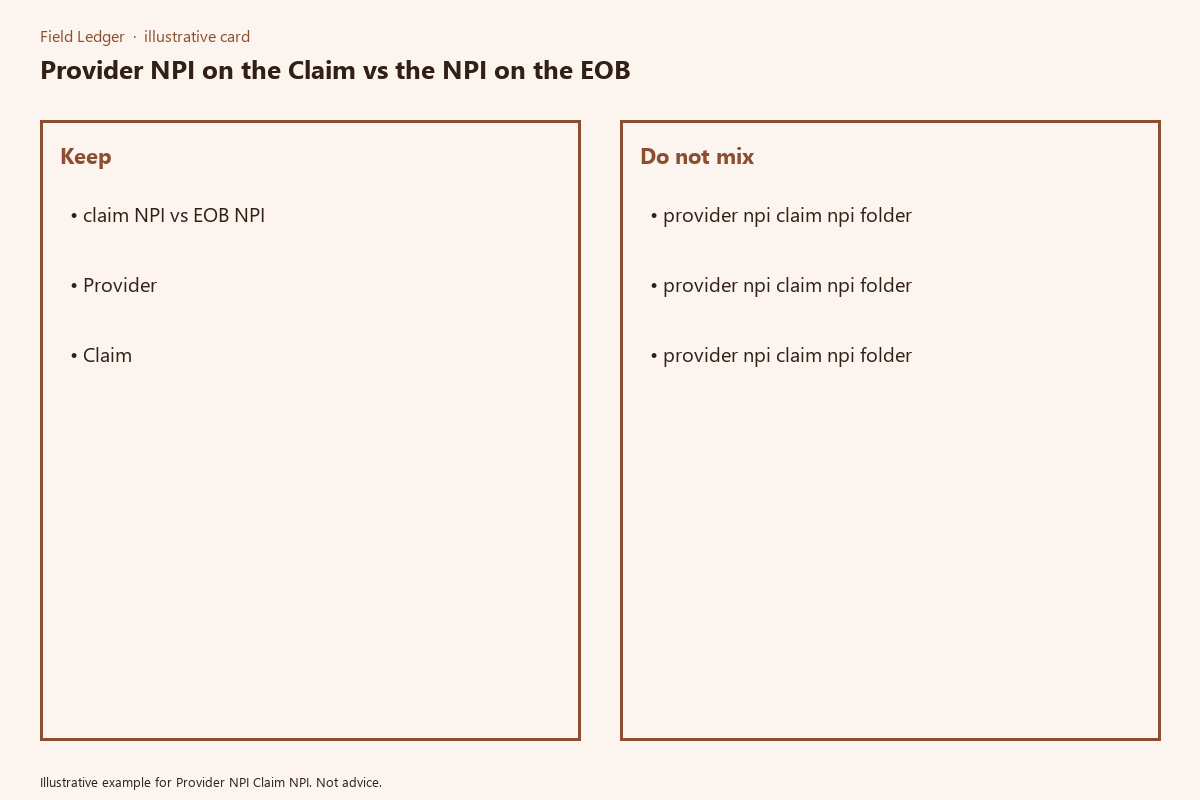
Billing department folder organization for sorted NPI verification records
A standardized folder structure ensures you can quickly pull proof of valid NPI submission and resolution documentation if a carrier requests additional information or audits past claims. The recommended folder structure for dental implant claim NPI records is as follows: Top-level folder: *Dental Implant Insurance Claim Records*. Subfolder 1: *Provider NPI Verification Files* – store all current official NPI verification letters for every servicing and billing provider at your practice, updated annually or whenever a provider joins or leaves the practice. Subfolder 2: *Submitted Claims* – create an individual subfolder for each submitted claim, named using the convention [Claim ID]_[Patient Last Name]_[Service Date], containing the scanned submitted claim form, supporting procedure documentation, and NPI cross-check log entry. Subfolder 3: *Received EOBs* – store all EOBs sorted by received date, linked to the corresponding claim subfolder via the file naming convention. Subfolder 4: *NPI Discrepancy Resolution Files* – store all correspondence with carriers, corrected claim submissions, and appeal documents related to NPI mismatches, sorted by resolution status. Retain all NPI verification and resolution records for a minimum of 7 years to comply with HIPAA and state insurance record retention requirements.
Before processing your next batch of dental implant EOBs, run a spot check of 10% of submitted claim NPIs against the corresponding EOB entries to identify any unaddressed mismatches.